
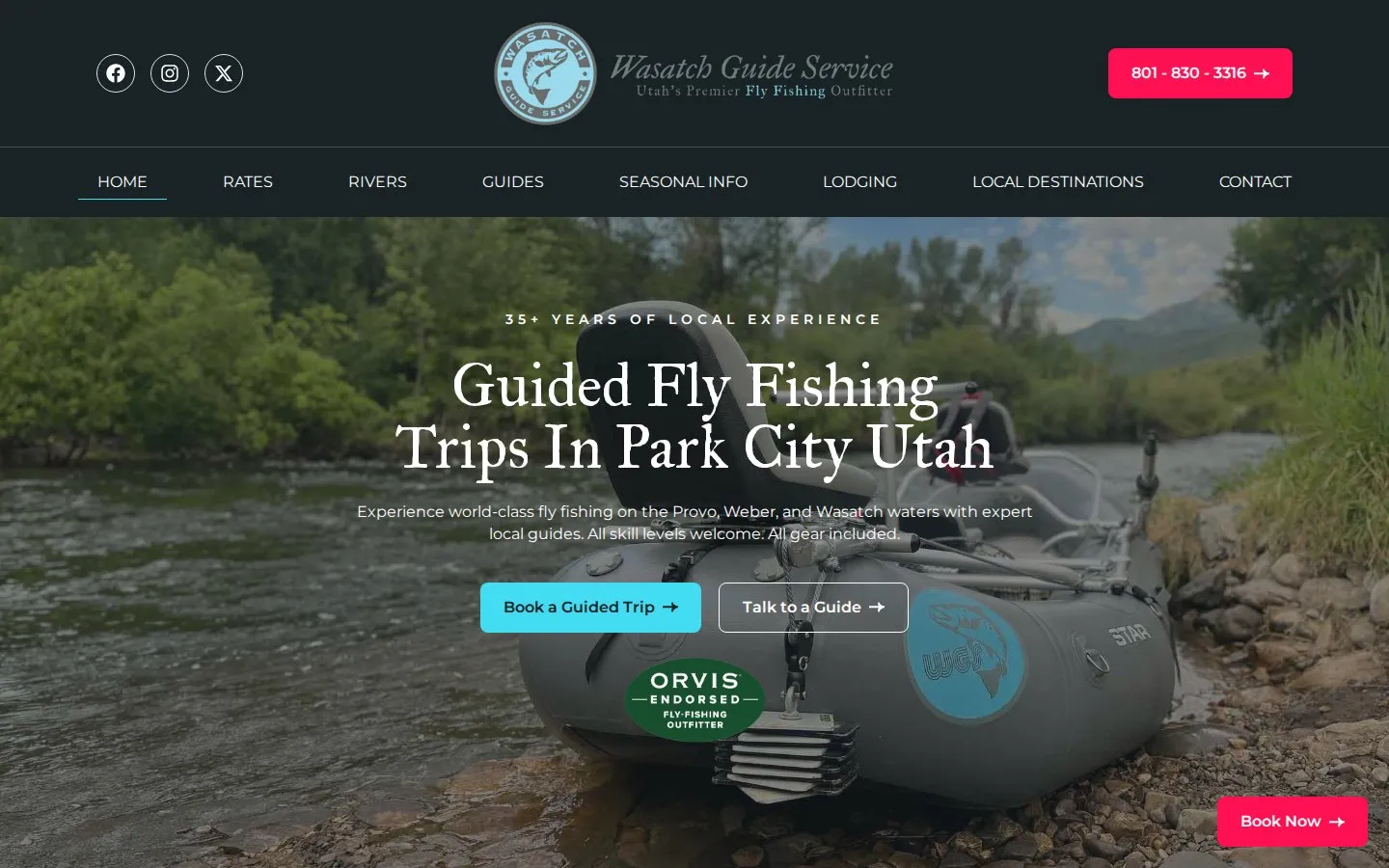
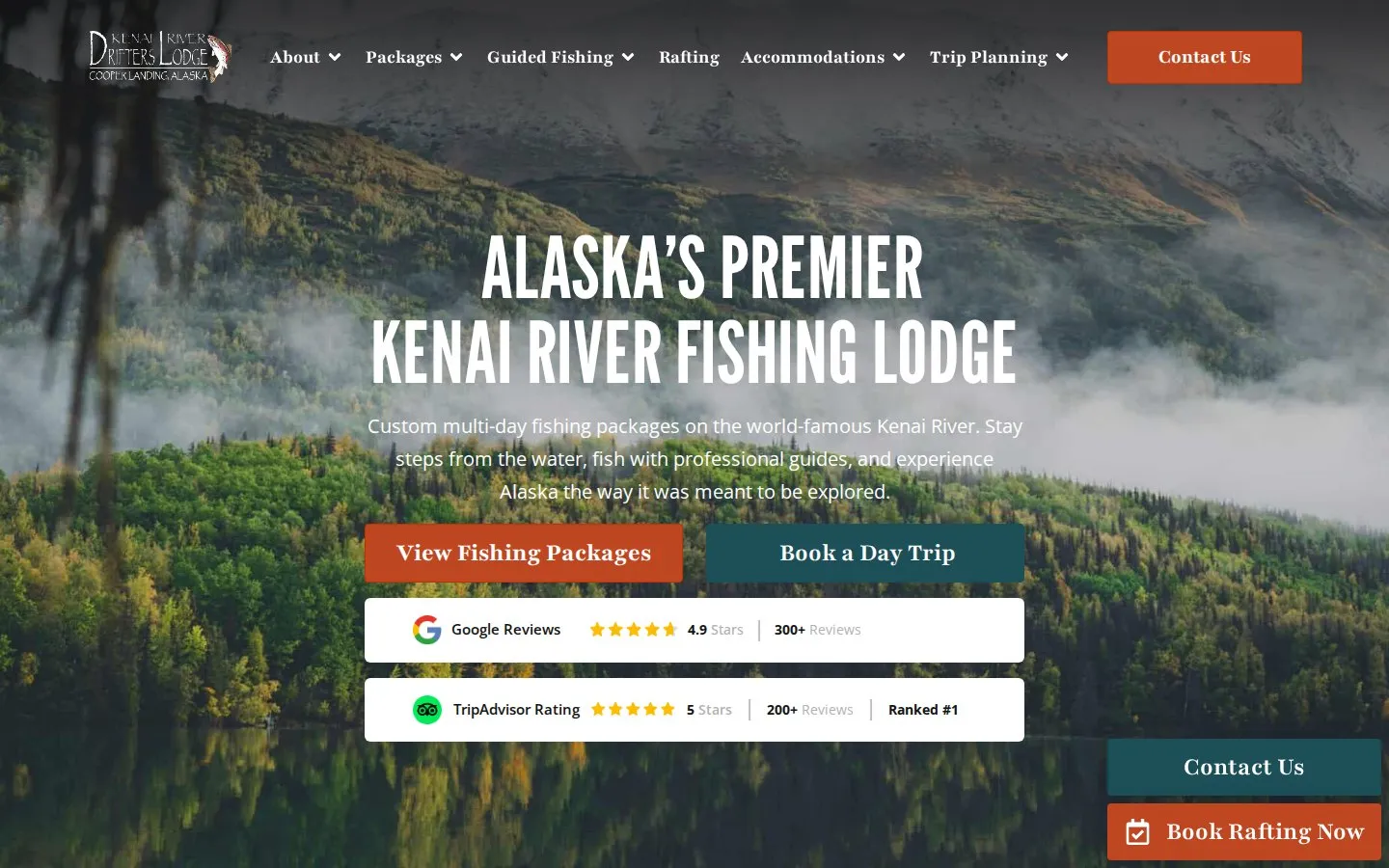
Website options for guides and charters
Your website options as a fishing guide
For most full-time guides and captains, the best option is a website of your own with online booking, because it’s the only one where bookings from Google don’t cost a commission. Marketplaces and do-it-yourself builders still make sense when you’re starting out. Here’s how all four compare.
Side by side
Fishing guide website options compared
Here’s how a do-it-yourself site, a marketplace listing, a booking software site and a site built for you compare. We left out other companies’ prices on purpose because they change often.
Do it yourself
Wix, Squarespace
- Upfront cost
- Low
- Ongoing cost
- A monthly plan, plus your time
- Who builds it
- You
- Online booking
- An add-on or a third party
- Shows up in local search
- Up to you
- Client contact info
- Yours
- Who owns the site
- You own your content, not the platform
Marketplace
FishingBooker and others
- Upfront cost
- None
- Ongoing cost
- A commission on each booking, often 10% to 30%
- Who builds it
- They do, as a listing
- Online booking
- Yes, through them
- Shows up in local search
- Their site ranks, not yours
- Client contact info
- Goes through them
- Who owns the site
- They own the listing
Booking software site
Comes with your software
- Upfront cost
- Low
- Ongoing cost
- A monthly software fee
- Who builds it
- You, from their templates
- Online booking
- Yes
- Shows up in local search
- Depends on the platform
- Client contact info
- Yours
- Who owns the site
- It lives on their software
FishySites
Pro from $149/mo
- Upfront cost
- None on Pro. $3,500 for Pro Plus SEO.
- Ongoing cost
- $149/mo on Pro, hosting included
- Who builds it
- We do, in about 7 days
- Online booking
- Yes, with no commission
- Shows up in local search
- Built for it
- Client contact info
- Yours
- Who owns the site
- Yours with Pro Plus SEO and Custom. Pro: yours to buy after year one.
The honest version
When each option makes sense
Every option has a place. Here’s when each one makes sense, including when it isn’t us.
Do it yourself
Makes sense if you’re just starting, you like building things and you have the time. Plan on learning booking, search and photo setup on your own.
Marketplace
Good for filling open dates in your first seasons. The trade-off is the commission on every trip, and clients who come back through the marketplace instead of you.
Booking software site
Fine if you mostly need a calendar and a checkout. These sites tend to look alike, and they usually aren’t built to rank for local searches.
A site built for you
Makes sense once guiding is your living and you want bookings from Google that don’t cost a commission. That’s what we build.
If you build it yourself
Which website builder is best for fishing guides?
If you’re building it yourself, Squarespace is the easiest to get looking good, Wix gives you more layout freedom, and WordPress is the most flexible and the one you fully own. Here’s how they compare for a guide business.
Squarespace
Clean templates that look good with little effort. Its booking add-ons are built around appointments, so check that they handle trip lengths, group sizes and deposits the way you run trips.
Wix
More layout freedom and a big app store, including Wix Bookings. Easy to start. As you add apps, check that the site still loads quickly on a phone.
WordPress
The most flexible, and the one you fully own. It works with nearly any booking system, but it takes the most setup and upkeep, which is why most guides have it built.
A free site from a booking platform
Some booking platforms build guides a free site. It’s quick to get, but check who owns the site, the domain and the client list before you sign up.
How to choose
How to pick the right option
Four questions usually settle it. Answer them honestly and the right option for this season is usually clear.
How many trips do you run?
If you run a few trips a season, a marketplace listing and a Google Business Profile may be enough. Once guiding is your living, the commission you save on your own site adds up fast.
How many clients come back?
Repeat clients are your cheapest bookings. If they rebook through a marketplace, you pay a commission on a client you already earned.
Do clients search for your town or river?
If people search for charters in your town or guides on your river, you want your own site showing up for those searches, not only a listing on someone else’s.
How much time do you have?
Building and keeping up a site yourself takes real hours, mostly in the off season. If you’d rather spend them on the water, have it built.
Whatever you pick
What to check before you pick one
Whichever option you choose, make sure it can do these six things. We cover each one in more detail in what a fishing guide website should include.
Trips and prices on the page
Every trip with its length, price and what’s included, not “call for rates.”
Online booking or inquiries
Clients plan at night. Let them pick a date and pay a deposit, or at least send an inquiry with their dates.
Works well on a phone
Most clients look you up on a phone. Check yours on one: if you have to pinch and zoom, so do they.
Your own domain
yourname.com, not a page on someone else’s site. It stays yours if you ever switch platforms.
Your Google reviews
Shown on the site near your prices, where clients make the decision to book.
Your clients’ contact info
Bookings and inquiries should come to you, so you can reach past clients next season.
Keep reading
More on fishing guide websites
FishingBooker vs. your own website
What a marketplace commission costs a charter business in a year.
How much does a fishing guide website cost?
Real prices for doing it yourself, monthly plans and custom builds.
Do fishing guides need a website?
An honest answer, including when you don’t.
What’s the best website builder for fishing guides?
If you’re building it yourself, pick one that can take bookings with deposits, lets you edit from your phone and lets you set your own page titles. Wix and Squarespace can both do that with add-ons. The builder matters less than putting your trips, prices and booking on the page.
Can I use a marketplace and my own site?
Yes, and a lot of guides do. Use the marketplace to fill open dates and your own site for repeat clients and Google searches.
I already have a Wix site. Should I replace it?
Not always. Send us the link and we’ll tell you honestly whether to keep it, fix it or replace it.
What’s the cheapest way to start?
A Google Business Profile and a marketplace listing cost nothing up front. A site of your own is the next step once you have steady trips.
Why does FishySites only build for fishing?
Because guiding is what we know. FishySites was started by a guide who spent 13 years on the water in Alaska and North Carolina.
Is a free website from a booking platform worth it?
It can be when you’re starting out. Before you sign up, ask who owns the domain, the site and the client list, and what happens to all three if you leave.
Can I move from Wix or Squarespace to my own site later?
Yes. Your text and photos come with you, and the old page addresses get redirected to the new ones so you keep your rankings. Keep your domain registered in your own name and it comes with you too.
Not sure which one fits?
Call (252) 253-3990 and we’ll tell you what we’d do in your spot, even if the answer isn’t us.